
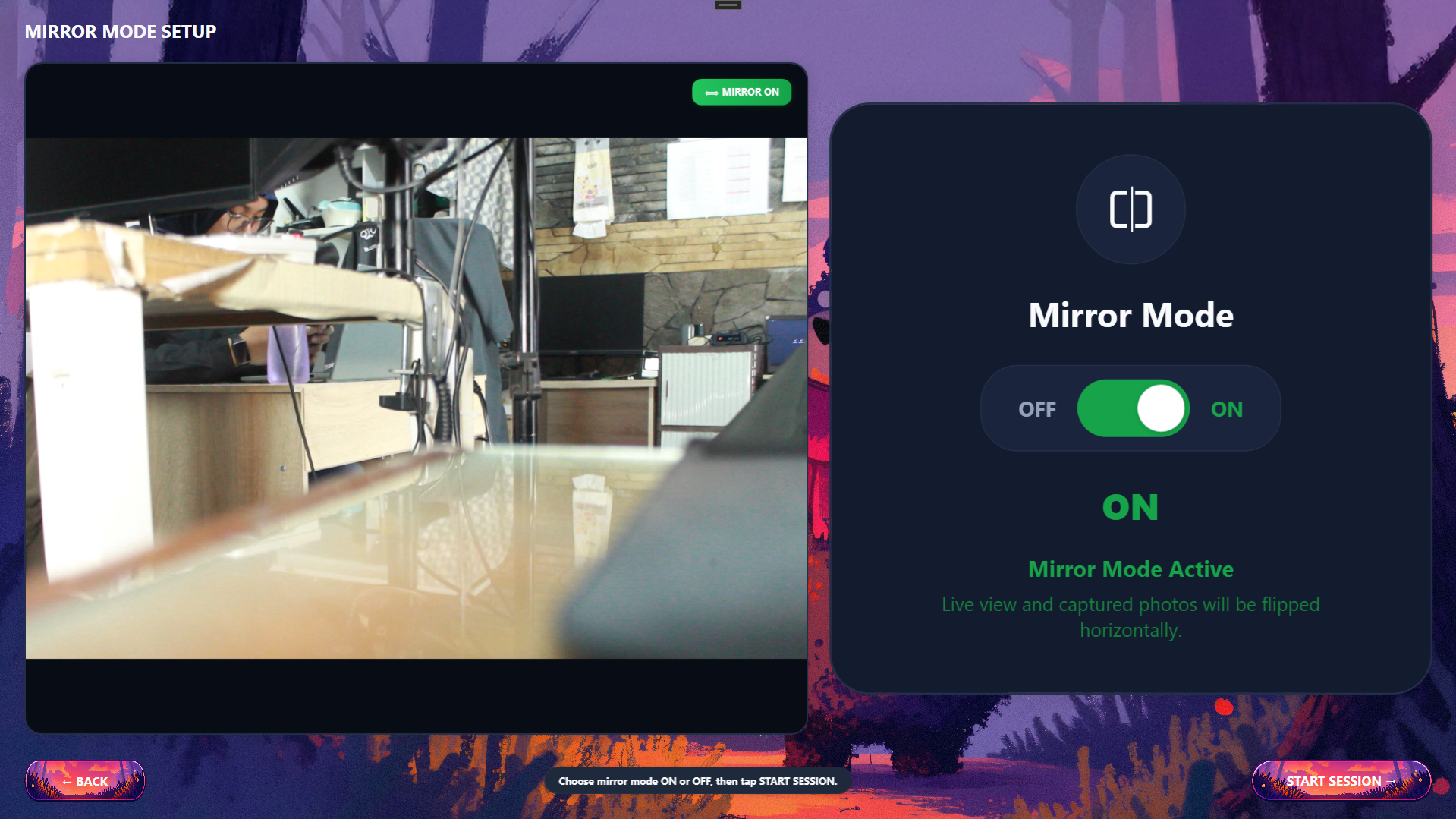
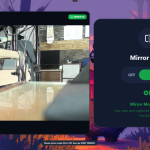
Mirror and non-mirror modes often seem like minor features of a photobooth. However, for customers, this choice can affect comfort while taking photos and satisfaction with the final result. Mirror mode displays the image like a reflection in a mirror. If someone raises their right hand, the screen will show it as raising the left hand. Non-mirror mode, on the other hand, displays the image according to the actual position captured by the camera.
Why is mirror mode preferred?
Many people are used to seeing their face through a smartphone's front camera or a mirror. That is why the mirror view feels more familiar. Visitors can adjust their hair, expression, and pose based on the view they already know. In group photo sessions, mirror mode can also make the preparation process feel more natural. Visitors can immediately see the composition of their bodies and their friends' positions before the countdown ends. Mirror mode is often used on photobooths that emphasize interactive experiences. The screen feels like a digital mirror that helps customers get ready before the photo is taken.
Why is non-mirror mode needed?
Non-mirror mode displays results as they actually are. Text, logos on clothing, writing on props, and object orientation will appear as in reality. This mode is important for certain needs. For example, photos with text on a shirt, use of branded props, brand documentation, or photo sessions that prioritize visual accuracy. At corporate events, non-mirror mode can help ensure logos and promotional messages do not appear reversed. The same applies to booths used for ID photos, passport photos, or administrative needs.
Impact on the customer experience
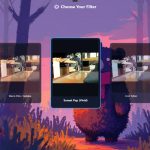
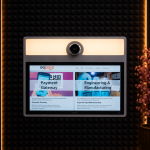
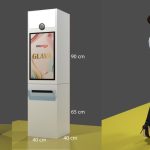
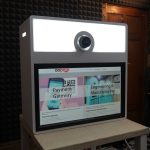
Not all customers have the same preferences. Some feel more confident with mirror mode, while others are disappointed when the final photo looks different from what they saw on screen. If customers see only one mode without explanation, they may think the photo result does not match what they expected. Therefore, the mode options should be shown clearly before the session starts. Glava from GoPoto provides mirror and no-mirror mode options that visitors can choose directly on the booth screen.
Important for photo results and branding
The choice between mirror and non-mirror is not only about comfort. This feature can also affect branding quality. Imagine a brand holding an activation with a backdrop that has large text. If the entire display uses mirror mode without proper settings, the text may appear reversed in the preview or the photo result. In such a situation, operators need to ensure that camera settings, preview, frame, and printed output work consistently. Testing is very important before the booth is used at an event.
Relevant for various booth concepts
At casual photobooths in malls or cafés, mirror mode usually provides a fun experience. Customers can see themselves as in a mirror and find it easier to adjust their pose. At wedding booths, the mode choice can be adjusted to the frame design and props. If there is text or decoration with a specific orientation, non-mirror mode may be safer. At corporate booths, non-mirror mode may be more appropriate because many branding elements need to appear accurate. For passport or ID card photos, the visual settings must follow the requirements of the document being used.
How to apply this feature
There are several steps booth owners can take:
– Provide mirror and non-mirror options on the start page.
– Give a brief explanation of the difference between the two.
– Make sure the preview and printed results are consistent.
– Test photo results with text, logos, props, and frames.
– Use the mode that matches the goal of the event.
Mirror and non-mirror modes matter because they affect comfort, the perception of photo results, and branding needs. This feature becomes more valuable when customers can choose for themselves according to their preference. For business owners, offering both options can increase service flexibility. For customers, this extra control makes the photobooth experience feel more personal.
👉 Deliver a more personal photobooth experience with Glava's mirror and non-mirror features. Contact GoPoto Indonesia today!



























Leave a Reply