

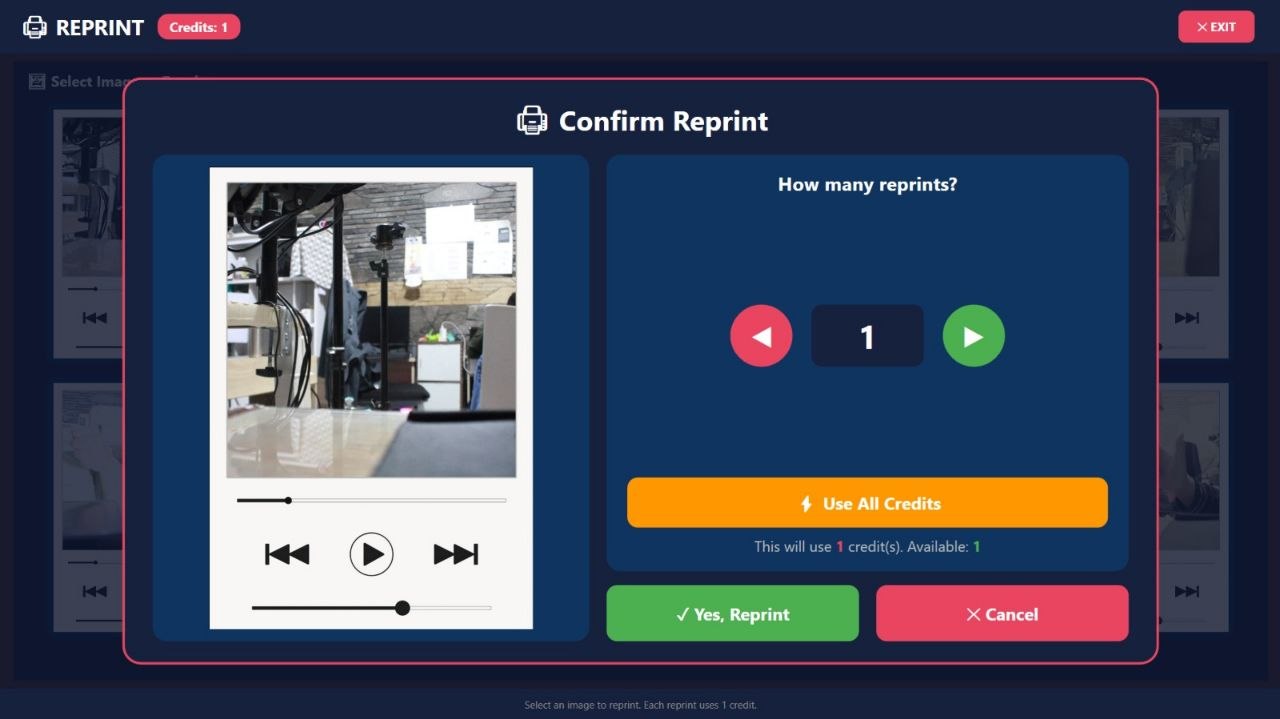
Reprint, or reprinting, is an important feature in the photobooth business. Customers often want to print more than one copy to share with friends, family, or a partner. This feature can also increase revenue because customers have the opportunity to buy extra prints after the session ends.
What is an early reprint?
An early reprint usually appears before the customer completes the entire flow or before leaving the results page. At this stage, the customer can choose the number of prints or buy additional ones based on the available package. For example, a customer buys one session with two prints. After the photos are finished, the system can offer an additional option such as printing two more sheets for a certain fee. This feature suits group customers who already know they need several copies.
What is a late reprint?
A late reprint appears on the final preview screen or results page after the session ends. Customers can view their photo results first, then decide whether to reprint. This feature gives customers time to evaluate photo results before buying extra prints. They can share copies with friends or keep one sheet as a souvenir.
Why is the reprint feature important?
Without the reprint feature, customers who want extra prints may have to redo the session from the beginning. This can feel impractical and may cause customers to cancel their purchase. With reprints, booth owners can increase transaction value without requiring a new session time. Booth capacity can still be used by other customers. Reprints also reduce waste. If a customer wants additional prints, the system can print on demand rather than printing too many from the start.
Increasing revenue opportunities
Reprints can be an additional product. For example, a basic package includes one photo strip, while extra prints are charged a certain fee. Business owners can create several options:
– Print one additional sheet.
– Print two or three additional sheets.
– Print in a different size.
– Print with a different layout.
– Print using a special template.
– Reprint for the entire group.
Reprint pricing must consider the cost of paper, ink or ribbon, printer time, and profit margin.
Reprints in the event business
At events, reprints can be included in an unlimited print package. However, the term “unlimited” needs to be clearly explained to avoid misunderstandings. Service owners must decide whether unlimited means free printing for the duration of the event, free printing for each session, or only printing according to the number of guests. For corporate events, reprints can also be used to give copies to participants and organizers.
Reprints and the customer experience
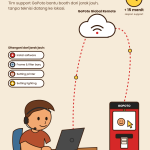
The reprint menu should be simple. Use clear buttons such as “Print Again” or “Add Prints”. The system should display the additional price before the customer makes payment. After payment succeeds, the printing process should run automatically and provide information about the print status. If the printer has a problem, the system should display an easy-to-understand message. Operator or technician support should also be available if a disruption occurs.
Settings for booth owners
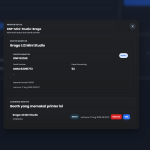
GoPoto explains that owners can set whether the reprint menu is enabled or disabled through the dashboard. This flexibility is useful because each business model has a different strategy. For certain event packages, reprints can be enabled. For promotional packages or free sessions, the owner may choose to disable them. Early and late reprints are not just additional features. They can improve convenience, open upselling opportunities, and strengthen the customer experience.
👉 Maximize transactions with the reprint feature in Glava. Contact GoPoto Indonesia to learn how it works!



































Leave a Reply