

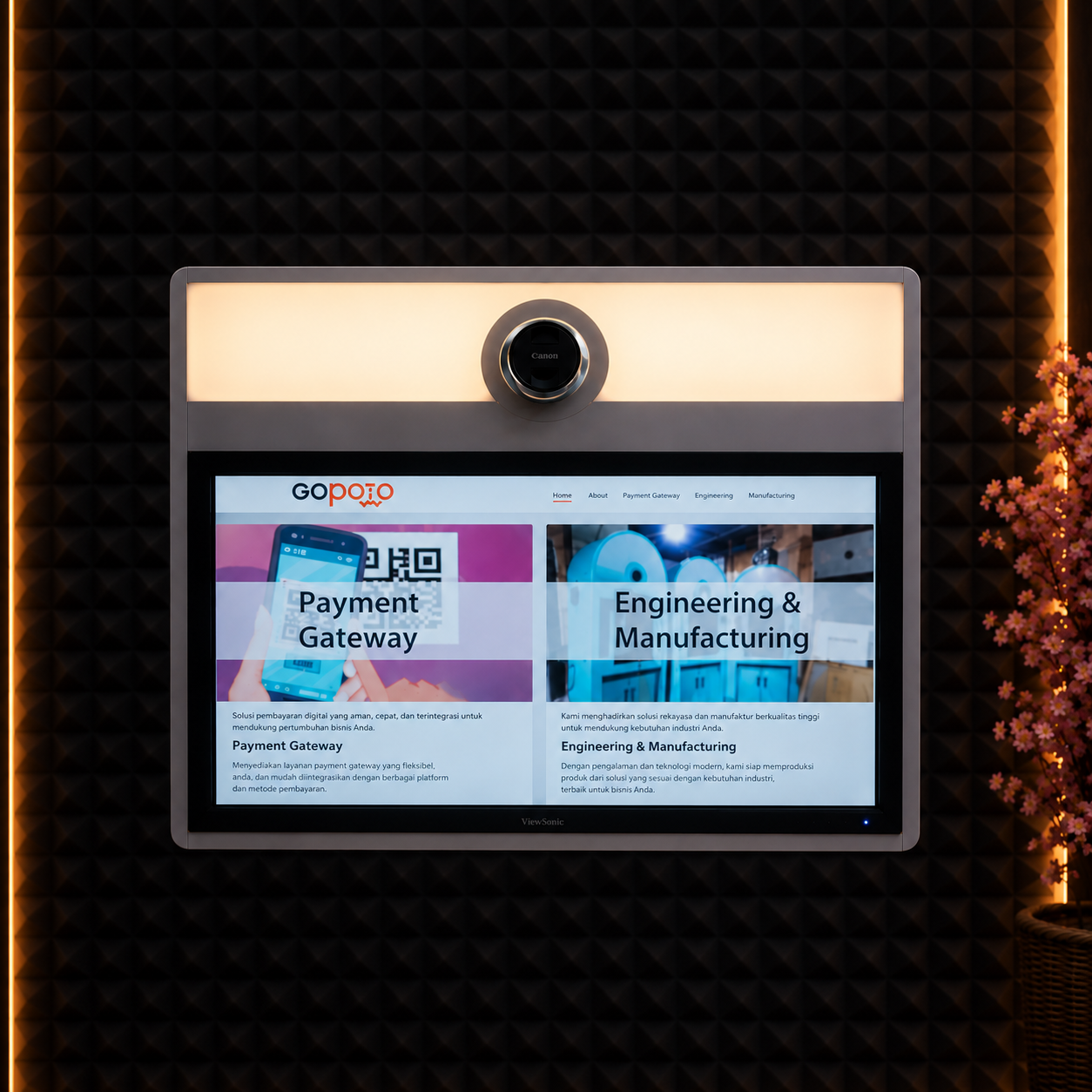
The photobooth business is booming, suitable for weddings, birthdays, corporate gatherings, and bazaars. But behind an attractive booth and aesthetic lighting, there is one component that determines the quality of the user experience, namely the photobooth software. The right software makes the photo-taking process smooth, prints neat, and customers satisfied. Conversely, bad software can ruin an event just because the app lags or the printer is out of sync. That is why there are several things to consider before you start choosing software
Understand Your Business Needs First
Before comparing software, first determine the type of photobooth service you will run:
- Event/rental photobooth: for weddings, birthdays, and corporate events.
- Permanent photobooth: placed in malls, cafés, or tourist attractions.
- Digital/virtual photobooth: without physical prints; results are sent directly to phones or social media.
Feature needs differ depending on this type of service. An event photobooth usually needs fast printing and custom templates, while a digital photobooth focuses more on social media integration and digital file delivery.
Check Device Compatibility
Make sure the software you choose is compatible with
- The camera you will use (DSLR, mirrorless, or webcam)
- The operating system (Windows, macOS, or even Android/iOS for tablet versions)
- The photo printer you will use (dye-sublimation is generally the industry standard)
Software that supports many camera and printer brands gives you greater flexibility when you want to upgrade your devices in the future.
Template and Overlay Customization Features
One of the appeals of a photobooth is that the photo results can be adjusted to the event theme. Look for software that offers
- an easy-to-use drag-and-drop template editor
- support for various layout formats (photo strips, single prints, collages, GIFs, boomerangs)
- the ability to automatically add a logo, watermark, or event name
This feature is especially important if you serve many clients with different event themes every week.
Stability and System Speed
During an event, guest queues can get long. Software that responds slowly to screen touches or takes a long time to process prints will create a bad experience. Before buying, ask or test
- how many seconds it takes from taking the photo to printing
- whether the software has ever crashed during long sessions
- whether the software can run smoothly on mid-range devices, not just high-end PCs
License Model and Costs
Photobooth software generally uses several pricing models
- One-time purchase license: suitable for long-term use without monthly fees
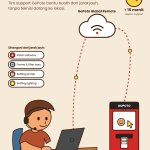
- Monthly/annual subscription: usually includes feature updates and ongoing technical support
- Free with watermark: suitable for trying before investing
Calculate projected usage over one year to compare which option is more economical in the long run.
Technical Support and Regular Updates
Technical problems can arise at any time, including during an important client event. Make sure the software provider offers:
- Responsive support services (chat, email, or user community)
- A track record of regular updates for bug fixes and feature additions
- Clear documentation or usage tutorials
Get to Know Glava Software
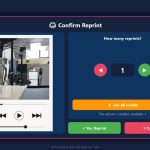
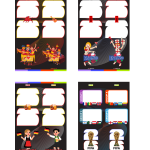
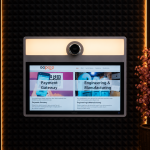
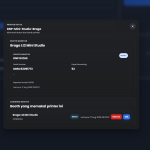
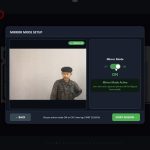
GLAVA is an exclusive smart software behind the seamless operations of the GoPoto ecosystem, designed specifically to deliver an experience photobooth that is interactive and user-friendly. Besides standard features such as interface customization, reprint options, and softcopy instant delivery via scanning QR Code, Glava brings stunning visual innovation. Its main appeal includes the feature Live Frame that can record video softcopy right inside the frame while countdown, as well as flexibility to accommodate various trends photobooth trendy, such as creating concept photos flipbook from animation to newspaper-style prints (newspaper).
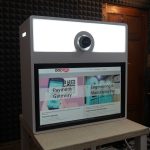
More than just creative software, Glava is a smart solution for automating and streamlining your business. The system offers complete freedom in choosing print media, as it is fully compatible with various types of machines—from professional photo printers, printer inkjet standard printer, laser, up to printer label or receipt (cashier receipts). Plus, integration with Payment Gateway that supports self-service transactions via QRIS, Voucher Codes, and Tap Cards, Glava ensures your business photobooth can run independently, modernly, and profitably.
In short, choosing the right photobooth software is not just about having the most features, but about fitting your business needs, device compatibility, system stability, and long-term investment value. Take the time to try the trial version and compare several options before deciding, so your photobooth business runs smoothly. GLAVA could be the answer to your doubts when choosing software
Time to switch to software that supports your creativity. Try GLAVA software and experience how easy it is to use!
For more information, contact WhatsApp number 087788168555



































Leave a Reply