

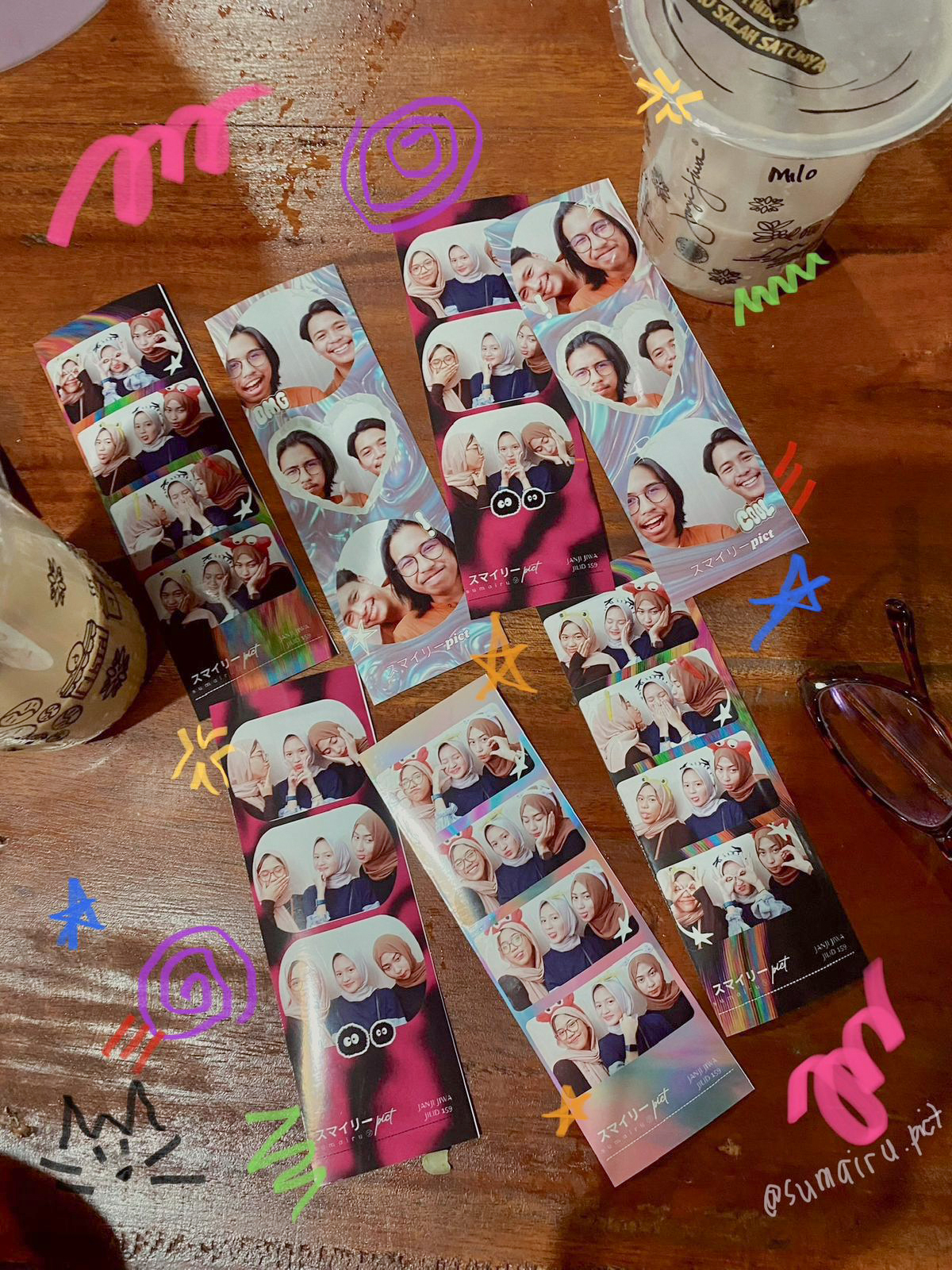
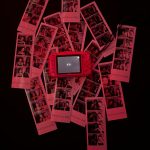
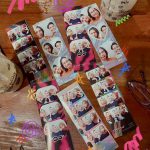
Have you ever, after taking a photo with friends or family at photobooth, the result turns out really great — and suddenly everyone in the group wants their own printed copy? Four people pose together, but only one print gets taken home, and everyone has to fight over who gets to keep it.
This situation happens a lot, especially at booths visited by groups of friends, families, or couples coming together. Ideally, everyone in the group should have their own physical keepsake, but the booth setup often makes that inconvenient.
The problem is: adding extra prints is a hassle
In many systems photobooth In many current systems, if visitors want to add more prints from an already completed photo session, they have to go through a separate process — open a dedicated reprint menu, find the photo again, then print it once more. The process takes time, can confuse visitors who aren’t tech-savvy, and may slow down the line behind them.
As a result, many visitors end up not bothering to add more prints, even though they actually want them. In reality, this is an extra revenue opportunity that booth owners shouldn’t miss.
Even, there are also quite a few photobooth Some systems don’t offer an option to add extra prints at all. Once a session ends and the prints come out, that’s it — visitors who want additional copies have to start the photo session over from scratch, and usually pay the full session fee again, or they simply can’t get extra prints at all. This need comes up fairly often, especially for groups who want each member to take home their own physical keepsake.
The solution: add extra prints in Glava
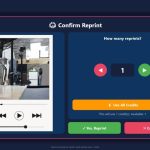
Addressing this need, Glava v1.2.0.0 introduces the feature Extra Print — a feature that lets visitors add more prints from the photo they just took in that session, directly on the screen. final preview, right after the automatic print or manual print process is completed.
So, here’s how it works: after the photo session ends and the first print comes out, visitors will see an option to add more prints from the same photo — just by making an additional payment, without needing to open a separate reprint menu or search for the photo again. Everything happens on the same screen, at the same moment.
A common example: a group of four people takes a photo together, the result looks great, and they want each person to have their own print to take home. With **Tambah Cetakan**, they can increase the print quantity right then and there — no hassle, no complicated process, and the booth can move on to the next guest as soon as the extra transaction is complete.
Why Is This Feature Beneficial for Booth Owners?
For business owners. photobooth, this feature has a real impact on the business side:
- An additional revenue opportunity that is easier to realize. Visitors who were hesitant to add extra prints because the process was complicated can now decide immediately, while their interest is still fresh — right after seeing their photo results.
- The queue flow stays smooth. Because everything is done on the same screen without switching menus, the time needed stays short and doesn’t disrupt the next visitor in line.
- A more satisfying visitor experience. Especially for group moments, it becomes much easier to accommodate everyone taking home their own print.
- A selling point that sets it apart from other booths. Considering that there are still many photobooth out there that don’t even provide a reprint option at all, so having this feature can be one advantage that makes your booth stand out from competitors in the same location.
Small feature big impact on daily booth revenue
Features like Add Prints are an example of how small details in the technical flow can have a direct impact on revenue. The fewer barriers there are between a visitor’s intention to buy extra prints and the transaction process, the greater the chance that intention will actually turn into a completed sale.
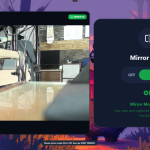
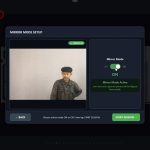
This feature arrives alongside several other updates in Glava v1.2.0.0, such as Mirror Mode that visitors can set themselves, a User Consent feature for using photo soft copies, and a more flexible Retake flow — all designed to make photo sessions more personal while also being more profitable for booth owners.
Technical Support Whenever You Need It
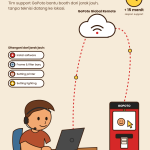
Every feature update in Glava is supported by the GoPoto Indonesia technical team, which is ready to help. every day, including holidays and public holidays, with operating hours standby what time 9:00 AM – 10:00 PM WIB and a maximum 5-minute response SLA. For handling issues that require direct system access, available GoPoto Remote System — an exclusive remote infrastructure that allows the technical team to handle software issues from a distance, without having to wait for an in-person visit.
Want to maximize your booth’s extra revenue potential with features like this? Contact the GoPoto Indonesia team via Whatsapp +62 877-8816-8555 — free consultation, and ready to help you deliver a more secure and trusted photobooth experience for visitors.





























Leave a Reply