

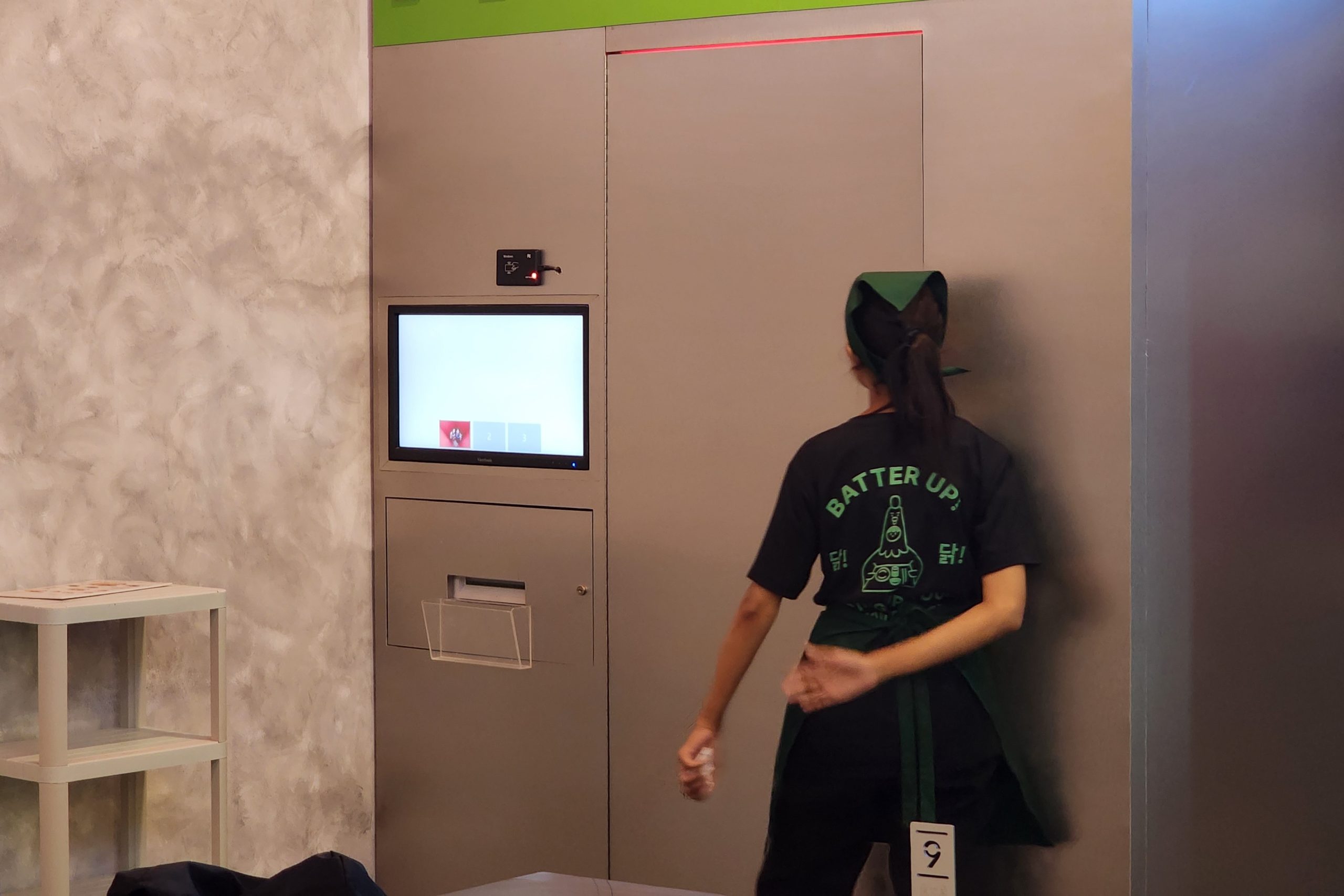
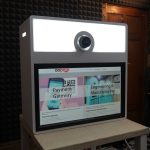
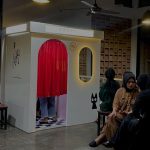
A self-service photobooth app lets visitors take their own photos without operator help. Visitors simply touch the screen, pose, and wait for the result. That is why this type of photobooth is increasingly common in malls, cafés, photo studios, and events.
However, this simple experience depends on one main component: the software. Here we will discuss the function of photobooth software, its important features, how to choose it, and one option you can consider.
What Is Self-Service Photobooth Software?
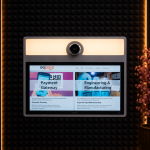
Self-service photobooth software is software that automatically manages the entire photo-taking process. It displays the touchscreen, runs the countdown, and takes the photo. After that, the application adds the frame, then prints or sends the result to the user. A conventional photobooth, by contrast, usually needs an operator to set up the camera and process the photos.
Supporting Equipment Needed
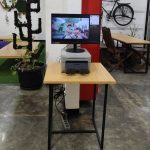
Besides the application, one photobooth unit needs the following equipment:
- A computer or mini PC as the control center
- A DSLR, mirrorless, or good-quality webcam
- A touchscreen for user interaction
- A photo printer for instant prints
- Stable lighting
Important Features of Photobooth Software
Every software has different capabilities. So check the following features before you choose.
- Easy-to-Use Touchscreen Interface: Visitors of all ages will use this tool, so the display must be clear and not confusing. Large buttons and short instructions help a lot.
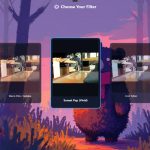
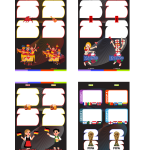
- Custom Frames and Templates: This feature is important for photobooth rental businesses. You can add your brand logo, wedding themes, or seasonal designs. You also don't need to buy new equipment every time the theme changes.
- Instant Printing and Digital Sharing: Instant prints give the physical keepsake that is the main attraction of a photobooth. Meanwhile, digital sharing via QR code or email makes it easy for visitors to upload their results to social media.
- Support for Various Camera Types: If you want high photo quality, choose an application that supports DSLR or mirrorless cameras. That way, the results are not limited to webcam quality.
- Various Photo Modes: Photo strips, collages, GIFs, and short videos enrich the user experience. Varied modes also open the door to new service packages.
How to Choose Self-Service Photobooth Software
Choosing software doesn't have to be complicated. Follow these steps.
- Define your goal. A permanent photobooth in a mall needs stability and a payment system. A photobooth for event rental, on the other hand, needs flexible themes and easy transport.
- Check the supported operating system, camera, and printer. This way, you avoid software that doesn't match your existing equipment.
- Choose software with clear user support. Photobooths are often used at events with limited time, so technical problems must be resolved quickly.
- Compare pricing models. Some software is one-time purchase, some is monthly subscription, and some is per-device license. Don't forget to count extra costs, such as feature modules and updates.
GLAVA Software Options from GoPoto
GLAVA from GoPoto is one of the software options you can consider for a self-service photobooth.
Advantages you get when using GLAVA software:
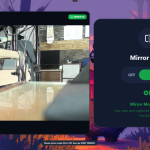
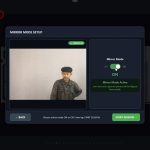
- Live frame feature during the countdown
- Customizable background display during the photo session
- Supports various payment methods, such as QRIS, RFID, and vouchers
- Plus lifetime technical support
Tips for Optimizing a Self-Service Photobooth
Good software works best with good preparation. Here are some tips.
- Test Before the Event Day
Run a full test from taking the photo to printing. This way, small problems, such as a printer that isn't detected, are caught early.
- Keep the Lighting Consistent
Even lighting makes photos look better. Conversely, changing light ruins the results, no matter how advanced the software is.
- Design an Attractive Frame
A neat frame that matches the theme invites visitors to try the booth. As a result, they are also more interested in sharing their results.
- Bring Backup Supplies
Keep spare print paper, ink, and cables on hand. This preparation can save you during the event.
Conclusion
A self-service photobooth application determines how smoothly the visitor experience and your daily operations run. Choose software that is compatible with your equipment, has the features you need, and is well supported. Finally, GLAVA photobooth software from GoPoto can be one option for your booth.
Contact WhatsApp number 087788168555 for more information and on how to subscribe to use GLAVA software.


































Leave a Reply