
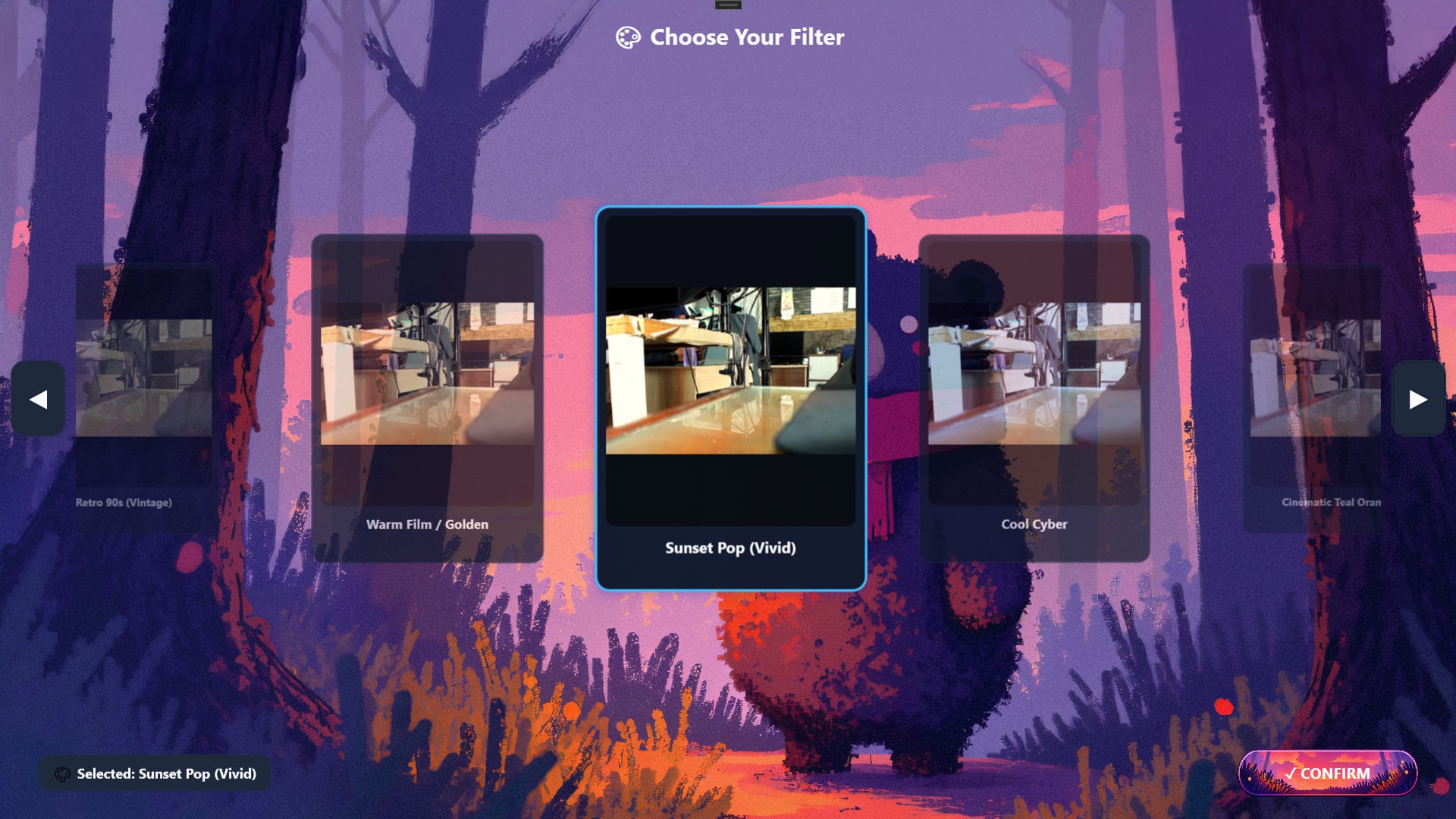
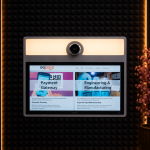
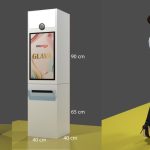
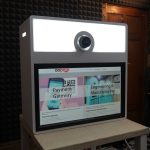
An appealing photobox is not only about photo results, but also about the screen display that guests see from the moment they first touch the booth. With the display customization feature in Glava, you can make the entire photobox flow feel like it belongs to your own brand, from the frame selection screen to the final preview.
Why Display Customization Matters
Every venue and event has its own character. A photobox in a mall needs a different look from a photobox at a wedding or a tourist spot. A display that is consistent with the brand makes the booth easier to recognize, look more professional, and leave a stronger impression on visitors.
Button Customization on the Photosession Screen
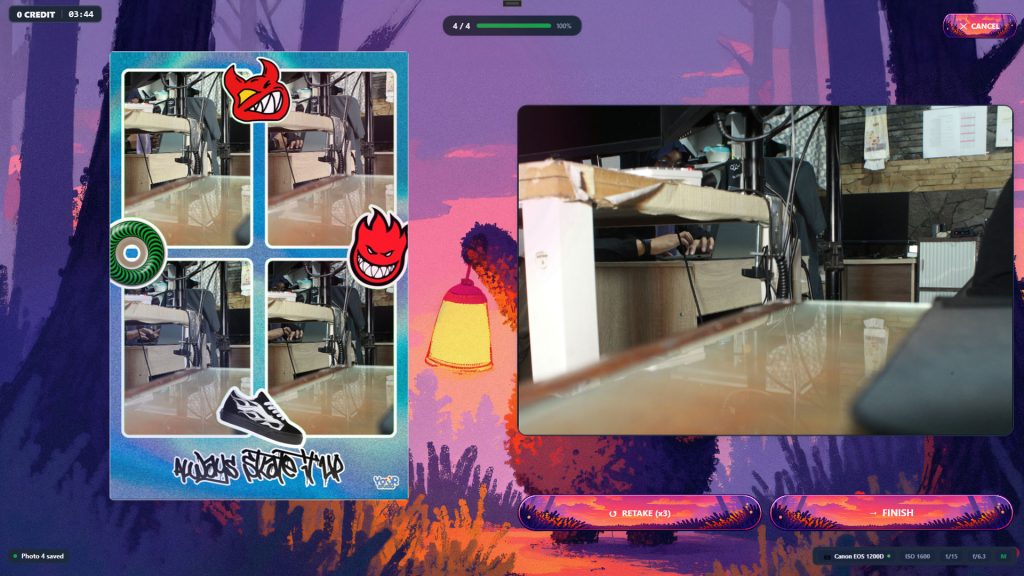
On the Photosession screen, you can replace button images with your own designs. Customizable buttons include:
- Start / Next / Finish, the main button for starting a session, moving to the next step, and completing a session.
- Retake, the button to retake a photo.
- Cancel, the button to cancel the session.
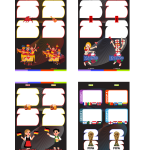
By changing button images, the icons and button styles can be adjusted to match the event theme, for example elegant-style buttons for a wedding or colorful buttons for a kids-themed booth.
Advanced Customization on Other Screens
In addition to Photosession, Glava also provides advanced customization on the following screens:
- FrameSelect, the frame selection screen.
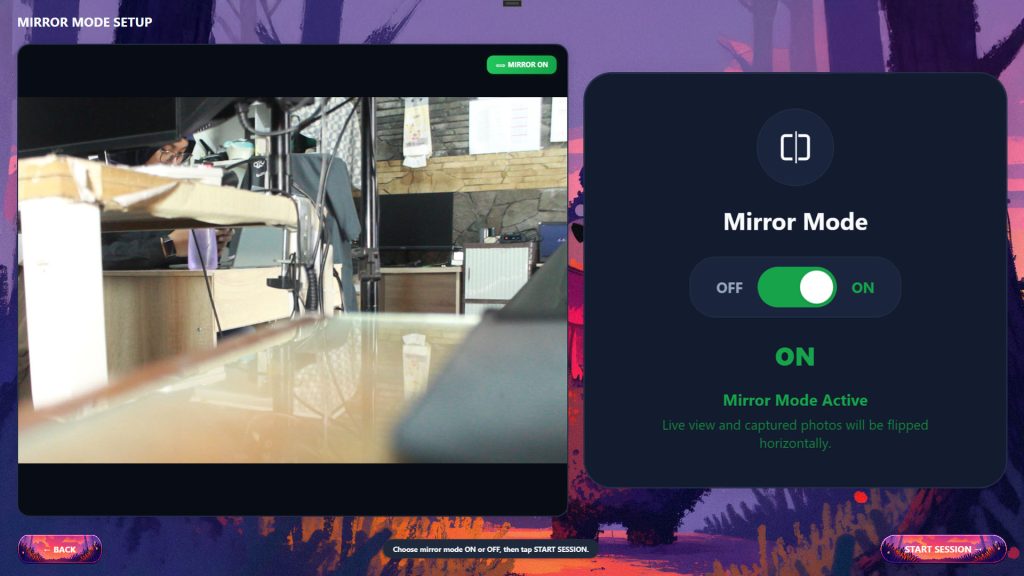
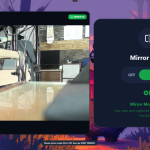
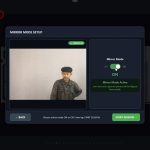
- Mirror mode, the screen for setting the photo to mirror or non-mirror.
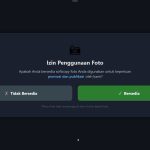
- User consent, the user consent screen.
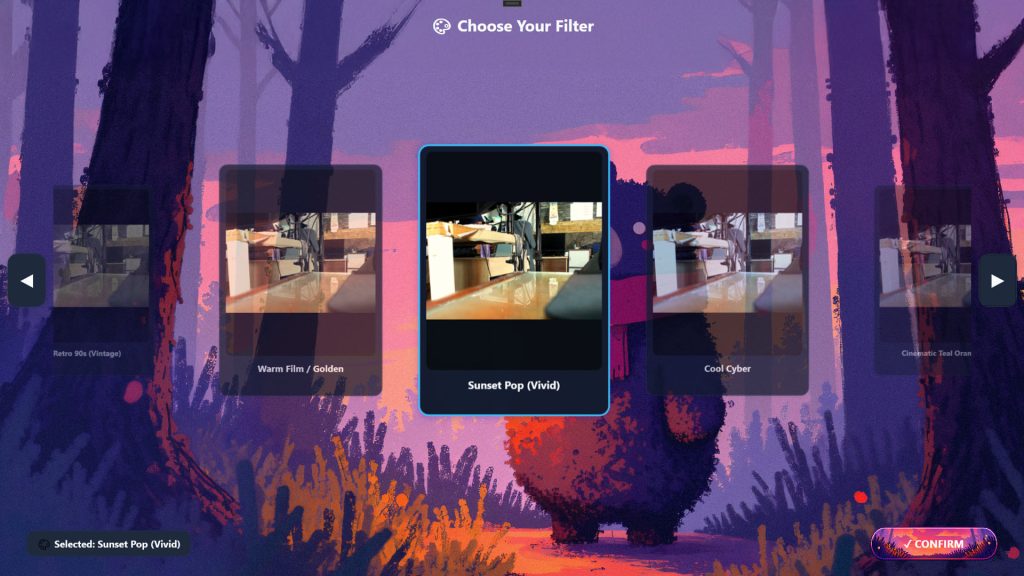
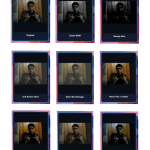
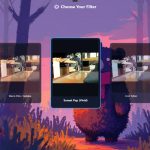
- FilterWindow, the filter selection screen.
- FinalPreview, the final result preview before printing.
On each of these screens, you can set four elements:
- Background image, a background image that follows the venue's theme or branding.
- Button image, button images matching your design.
- Button text, the text on the button, so the language and writing style can be adjusted to the target visitors.
- Button color, button colors to match the brand palette.
Indonesian and English Language Support
The Glava interface supports Indonesian and English. This is useful for locations with both local visitors and international tourists, such as large malls, tourist destinations, or international events.
Examples of Use
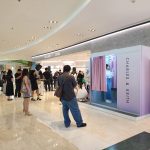
- Photobox in a mall: background and button colors follow the tenant's or mall's identity.
- Wedding event: background with a flower theme or the couple's monogram, with elegant-style buttons.
- Tourist attraction: two-language button text and a background featuring location icons.
- Corporate event: the company logo and colors appear on every screen.
Conclusion
Display customization in Glava makes the photobox more flexible and easier to adapt to a brand, theme, or target visitors. From the buttons on Photosession to the background on FinalPreview, everything can be aligned within one visual identity.
Want your photobox to look on-brand? Contact the GoPoto team for consultation and a Glava demo.



















Leave a Reply