

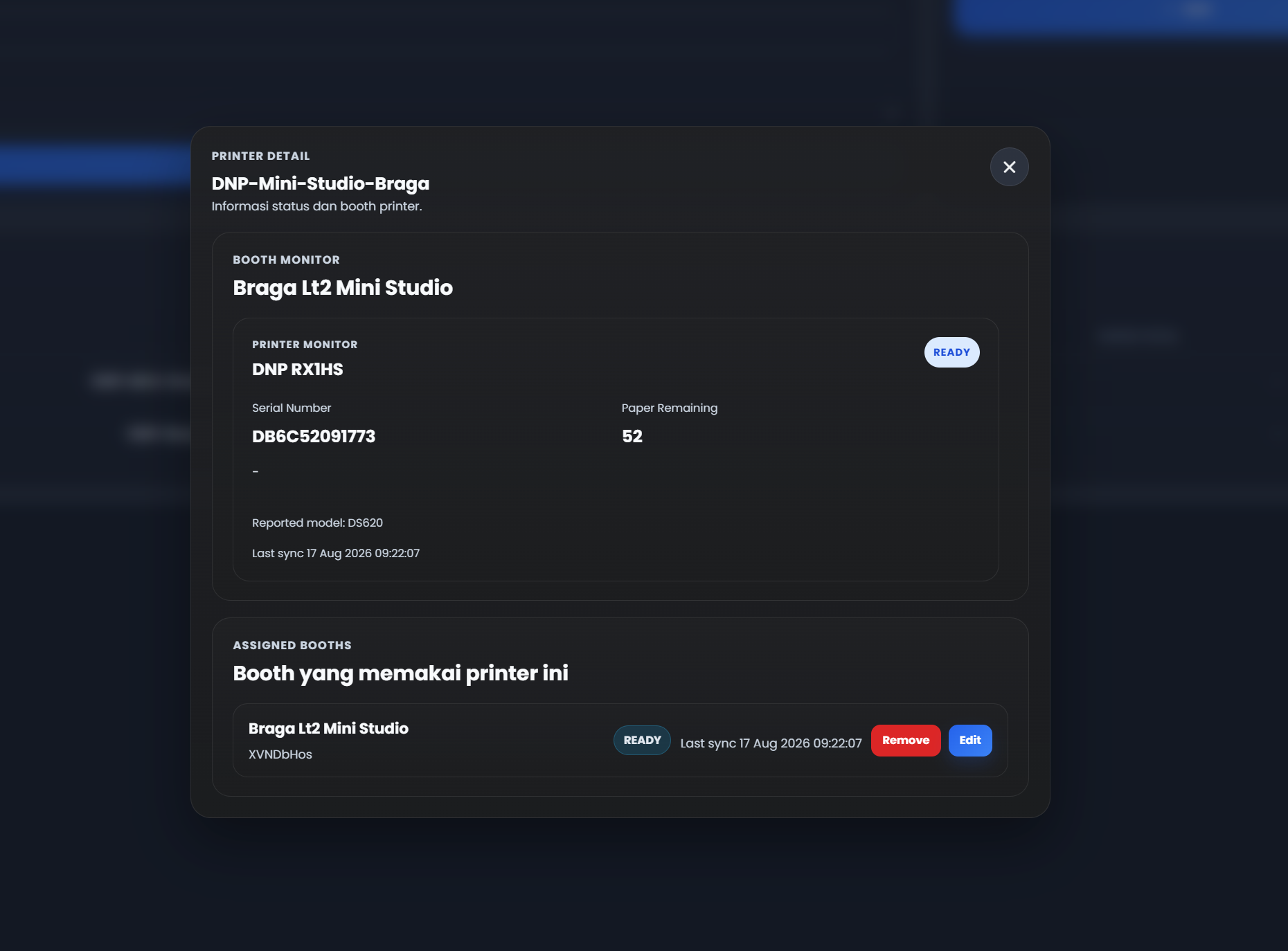
Managing photobooth units across multiple locations isn’t easy, especially when it comes to one often overlooked thing: when the printer paper will run out. Running out of paper during peak hours can mean lost transactions, visitor complaints, and extra travel time for emergency refills. To address this problem, Glava now offers a paper level monitoring feature that can be viewed directly from the dashboard.
Why This Feature Matters
Until now, checking the remaining paper in a photobooth printer usually meant physically inspecting each unit one by one. For operators managing many booths across different locations such as malls or tourist spots, this clearly takes time and energy. With this new feature, paper levels can be monitored from anywhere, at any time, directly from the Glava dashboard — so refills can be scheduled more carefully before the paper actually runs out.
Two Methods for Reading Remaining Paper
Glava supports two approaches for monitoring remaining paper, depending on the type of printer being used.
1. Accurate Reading via Direct API
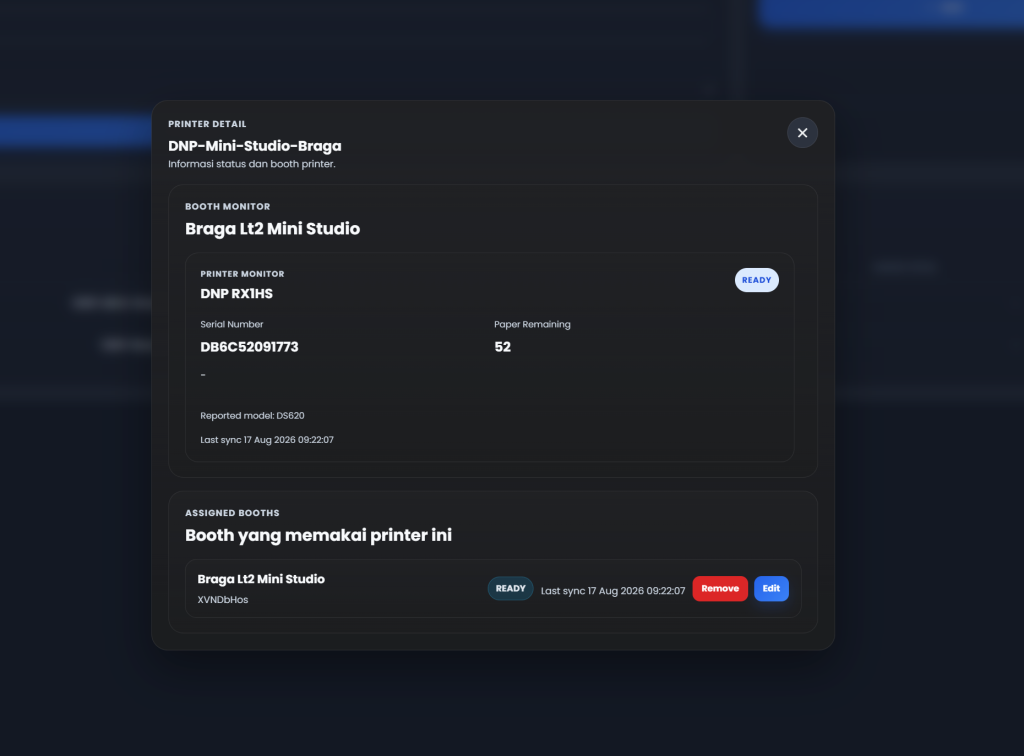
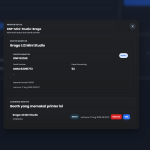
For printers that are natively supported, Glava retrieves data directly from the printer using a direct API method. This method provides accurate real-time data, including:
- Remaining paper available
- Current printer status
- Printer serial number
The printers currently supported for this method are:
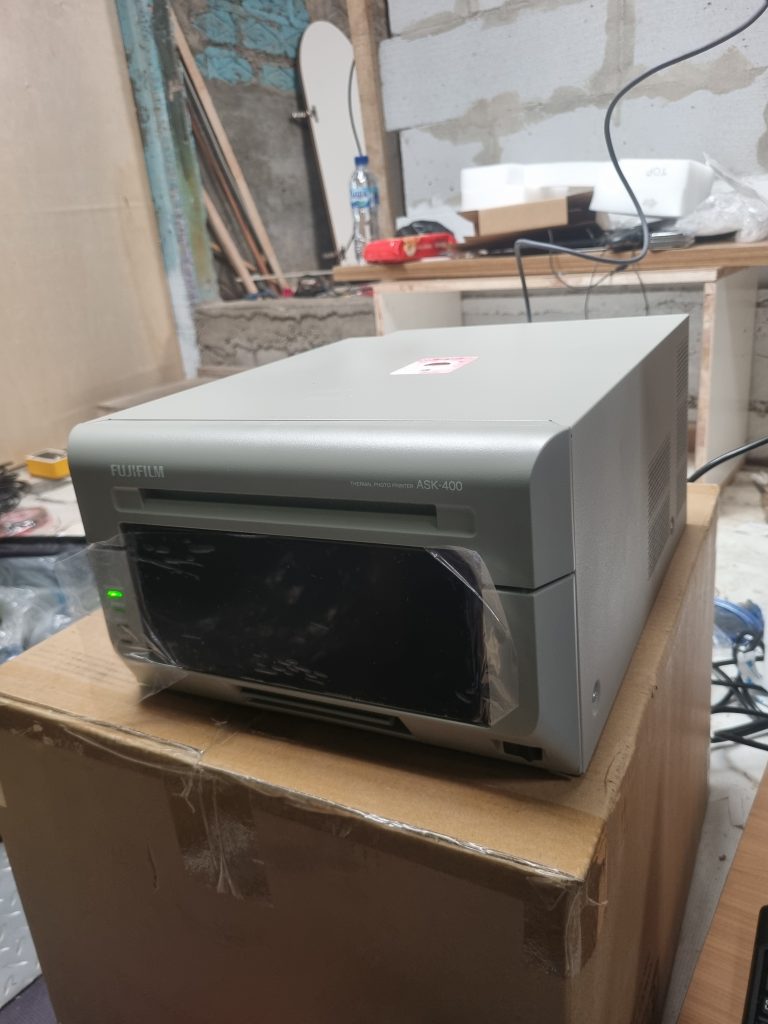
- Fujifilm ASK-400
- DNP RX1
- DNP RX1HS
- DNP DS620
Because the data is taken directly from the device, the numbers shown on the dashboard truly reflect the printer’s actual condition, without requiring manual input from the operator.
2. Countdown Method for Other Printers
For printers outside the list supported by the direct API, Glava still provides a **countdown** method. It works by requiring the operator to reset the print counter in the dashboard each time a new paper roll is installed. The system then counts down the remaining paper based on the number of prints made since the last reset.
Although this method requires a small amount of manual work, it still provides a helpful estimate of the remaining paper, allowing operators to plan replenishment, especially for units with printer types that do not yet support direct API reading.
Benefits for Photobox Operators
With the addition of this feature in the Glava dashboard, operators gain several benefits:
- Operational efficiency — no need to visit each unit just to check the remaining paper.
- Minimal service disruption — refilling can be scheduled before the paper actually runs out.
- More transparent data — printer status and serial number help with maintenance and troubleshooting.
- Scalability — suitable for operators managing many units across multiple locations at once.
Conclusion
This paper-remaining monitoring feature is Glava’s next step in supporting more efficient photobooth operations with less downtime. Whether using direct API reading for supported printers or the countdown method for other printers, operators now have better visibility into the condition of their units without needing to go into the field every time.
Keep monitoring your Glava dashboard and make sure the paper is always refilled on time, so every visitor’s moment can be captured without interruption.




































Leave a Reply